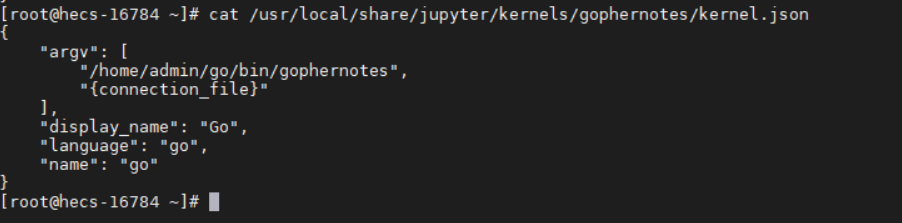
安装GO
wget https://studygolang.com/dl/golang/go1.17.6.linux-amd64.tar.gz
tar -zxvf go1.17.6.linux-amd64.tar.gz
useradd admin
mv go /usr/local
配置环境变量
echo 'export PATH=$PATH:/usr/local/go/bin'>>/etc/profile
echo 'export GOPATH=/home/go/go'>>/etc/profile
go version
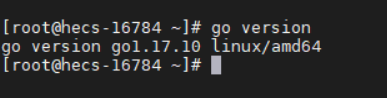
配置Go代理
export GO111MODULE=on
export GOPROXY=https://goproxy.cn
查看jupyte内核
jupyter kernelspec list

gophernotes - 在 Jupyter 笔记本和交互中使用 Go
https://github.com/gopherdata/gophernotes
 go install github.com/gopherdata/[email protected]
 mkdir -p /usr/local/share/jupyter/kernels/gophernotes
 cd /usr/local/share/jupyter/kernels/gophernotes
 cp "$(go env GOPATH)"/pkg/mod/github.com/gopherdata/[email protected]/kernel/*  "."
 chmod +w ./kernel.json # in case copied kernel.json has no write permission
 sed "s|gophernotes|$(go env GOPATH)/bin/gophernotes|" < kernel.json.in > kernel.json
要确认gophernotes二进制文件已安装在 GOPATH 中,请直接执行:
"$(go env GOPATH)"/bin/gophernotes

打开Jupyterhub
admin用户创建密码可以登录使用 登录admin用户
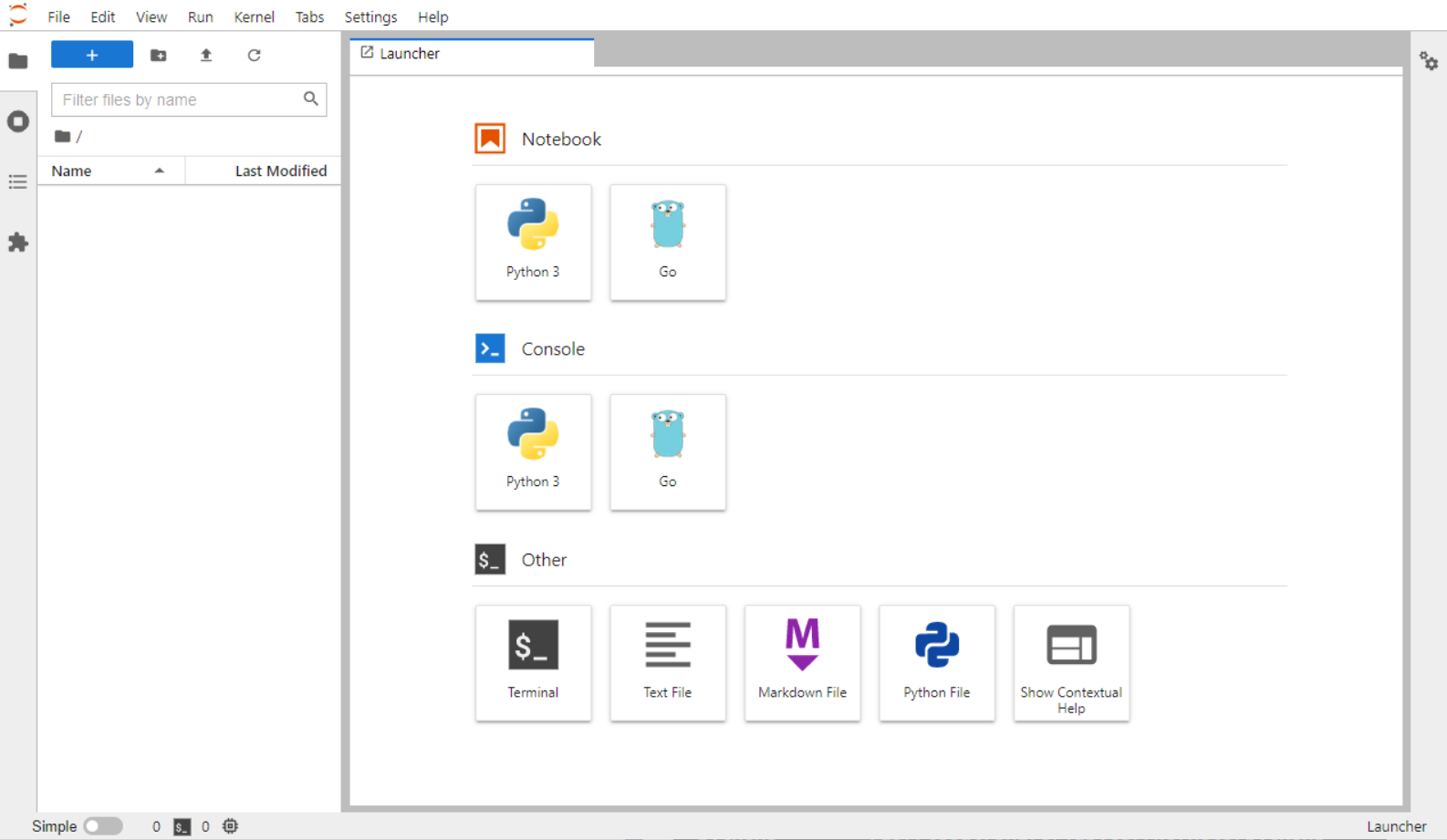
登录其他用户将存在权限问题,这是因为内核的目录在admin用户,其他用户无权限。