无服务平台
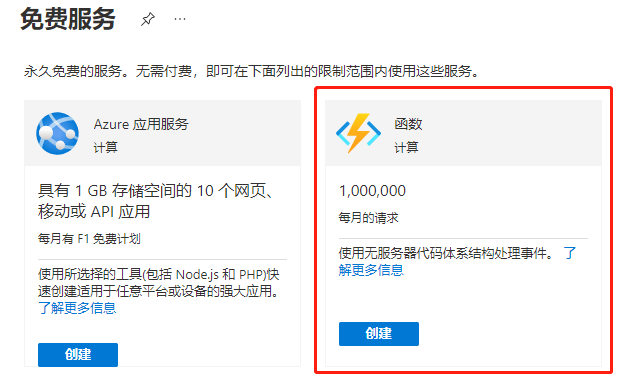
微软AZURE的Azure Functions
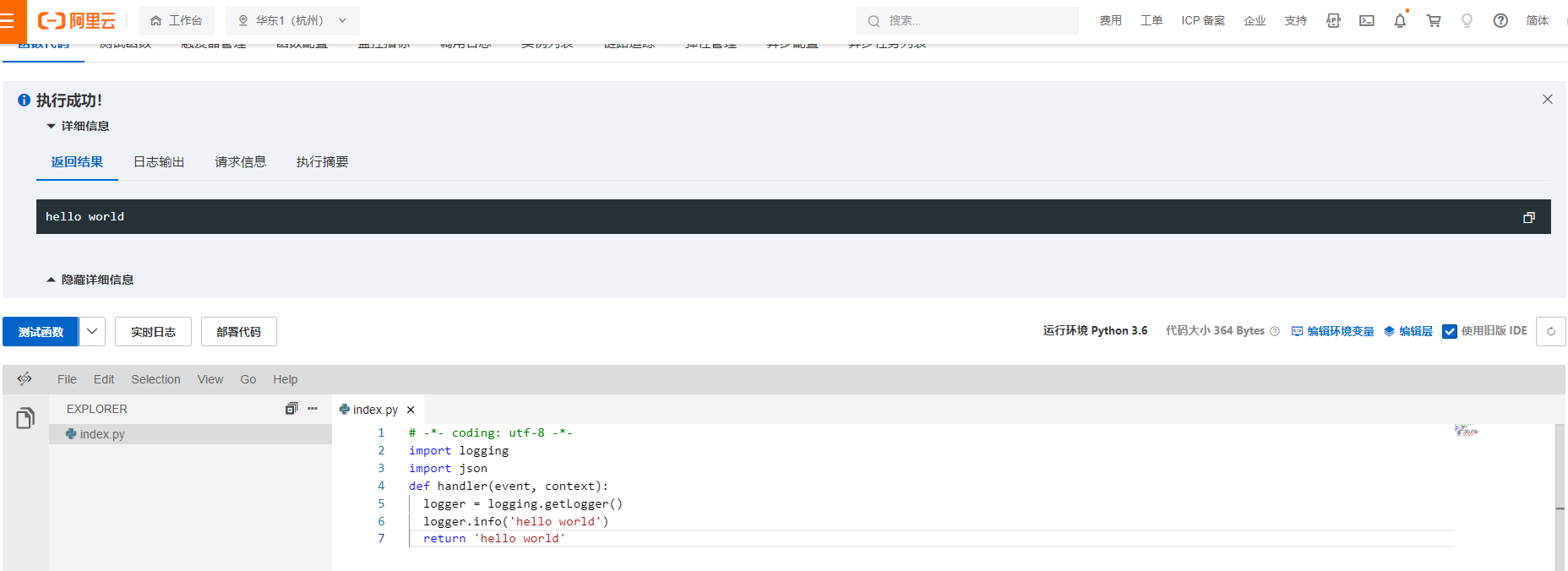
阿里云函数计算 FC
腾讯云Serverless
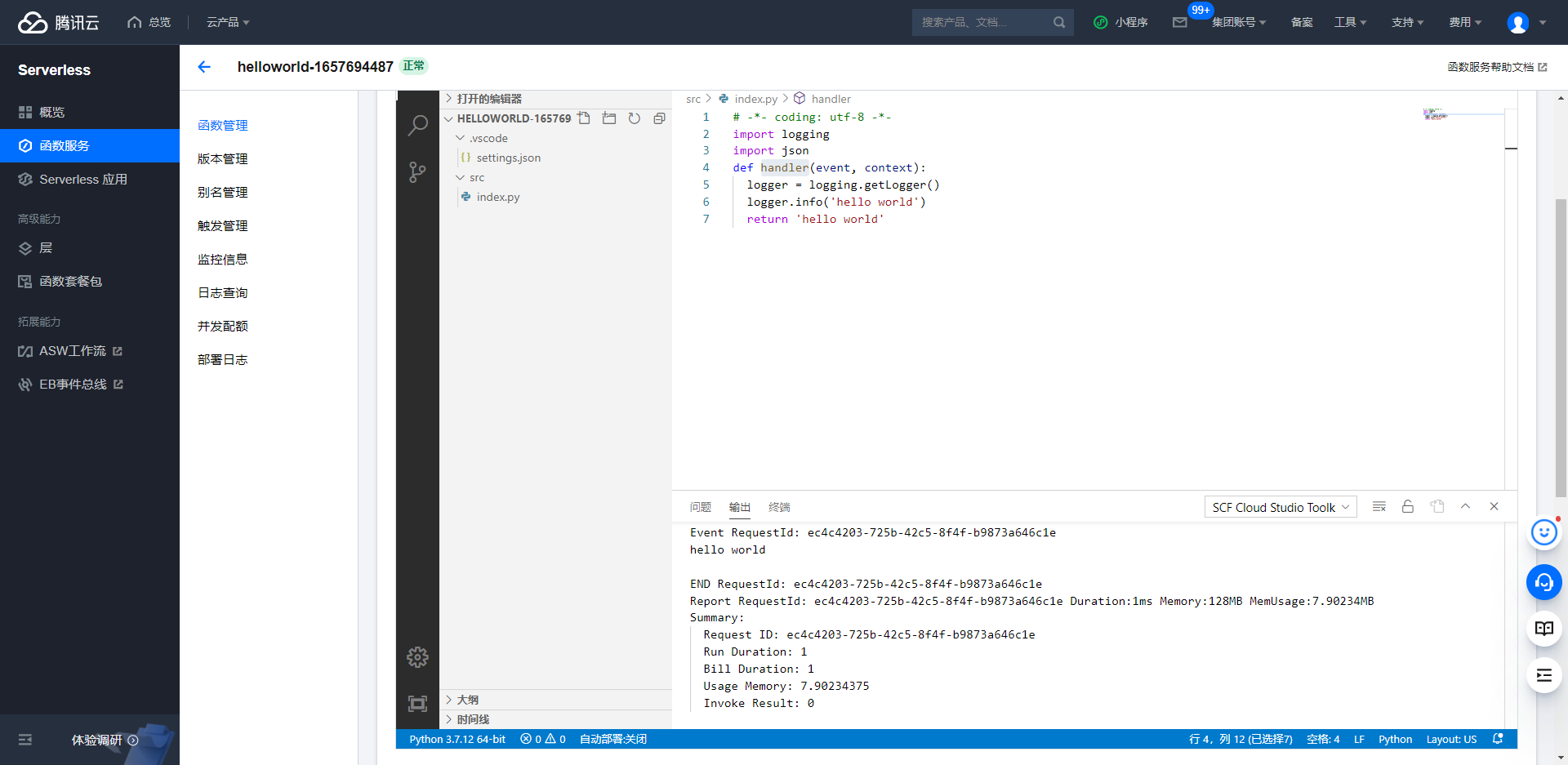 有终端
有终端
华为云函数工作流
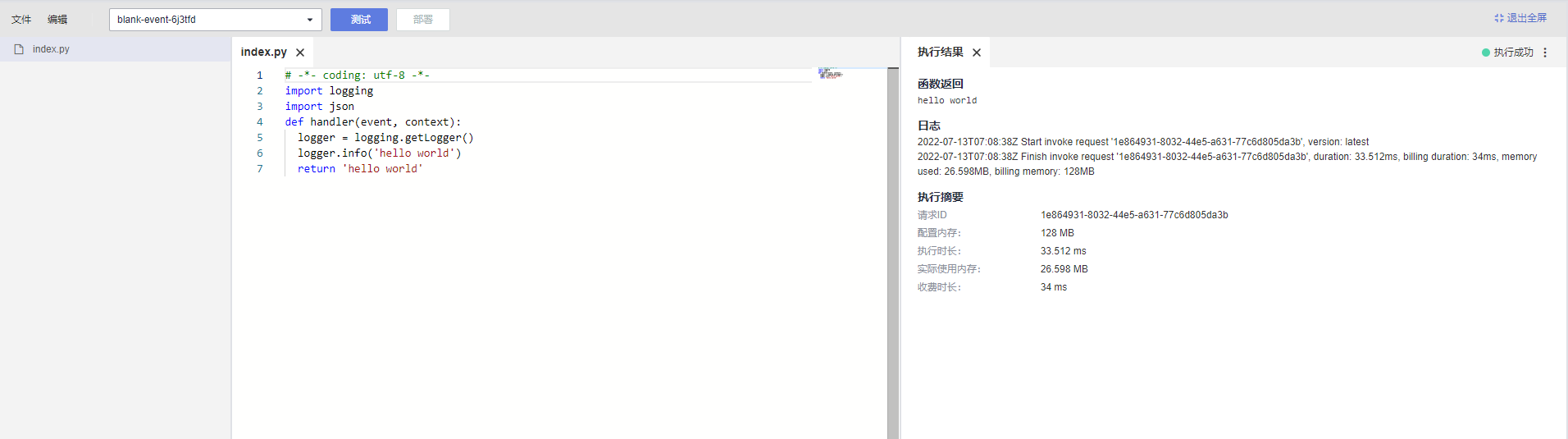
无终端
主机安装配置
mkdir jupyterhub && cd jupyterhub
yum install python3 -y
python3 -m pip install --upgrade pip
yum update
yum install npm nodejs-legacy
(apt-get install libnode64)
npm install n -g
n lts
pip install notebook -i https://pypi.douban.com/simple
pip install jupyterlab -i https://pypi.douban.com/simple
npm install -g configurable-http-proxy
python3 -m pip install jupyterhub
jupyterhub --generate-config
vim jupyterhub_config.py
#c.Spawner.default_url = '/lab'
# /lab对应jupyterlab 默认为notebook
c.JupyterHub.port = 80
# 指定暴露端口
c.PAMAuthenticator.encoding = 'utf8'
c.Authenticator.whitelist = {'root','admin', 'jupyter', 'aiker'}
# 指定可使用用户
c.LocalAuthenticator.create_system_users = True
c.Authenticator.admin_users = {'root', 'admin'}
# 指定admin用户
c.JupyterHub.statsd_prefix = 'jupyterhub'
c.Spawner.notebook_dir = '/volume1/study/'
#jupyterhub自定义目录
c.Spawner.cmd=['jupyterhub-singleuser']
c.JupyterHub.port = 443
# 更换端口为443
# 证书从阿里云安装到本地/root/jupyterhub
c.JupyterHub.ssl_cert = 'jupyterhub.yutao.pem'
c.JupyterHub.ssl_key = 'jupyterhub.yutao.key'
useradd admin
passwd admin
mkdir -p /volume1/study/
chown admin /volume1/study/ -R
chown admin /home/admin -R
启动
jupyterhub
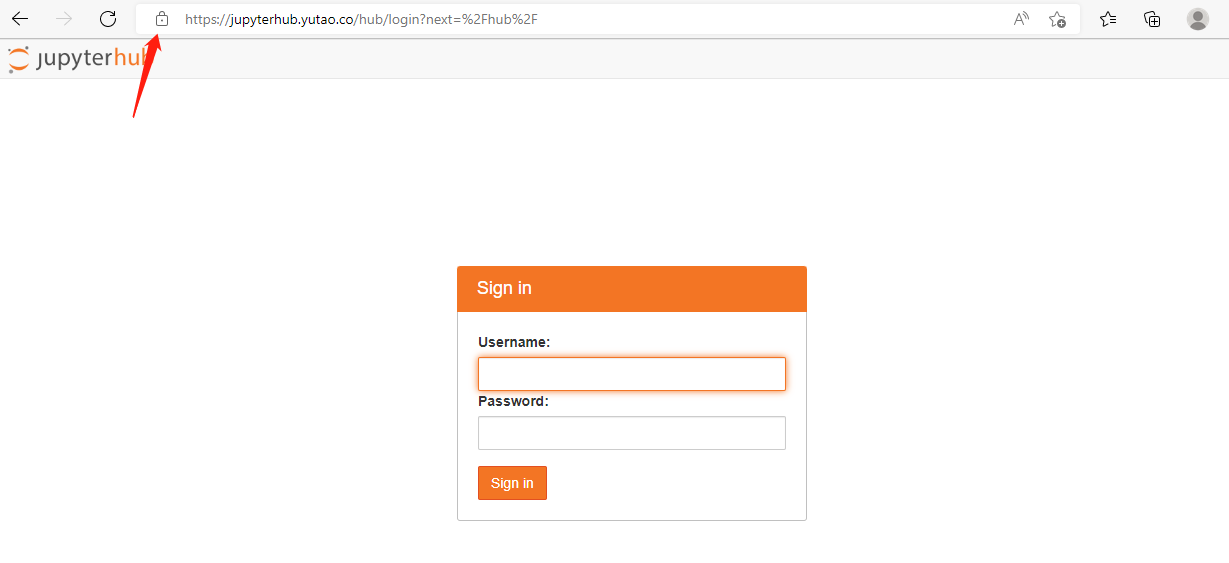
将域名解析到本机服务器
https://jupyterhub.yutao.co/
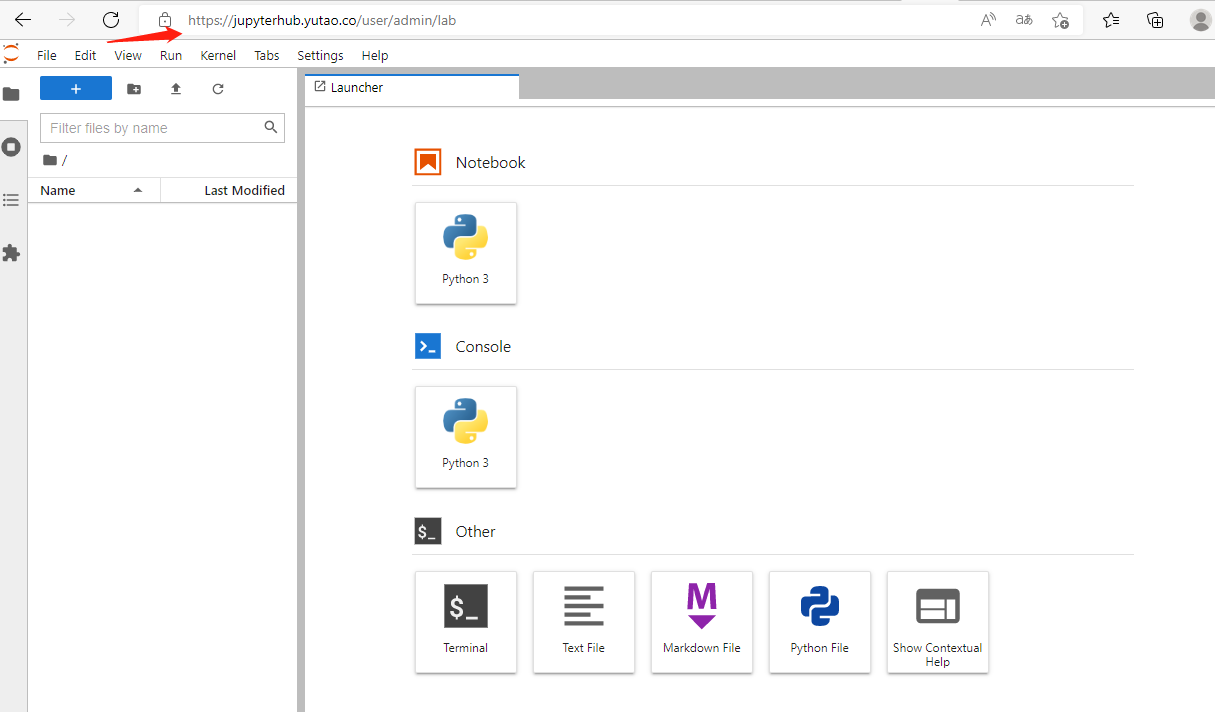
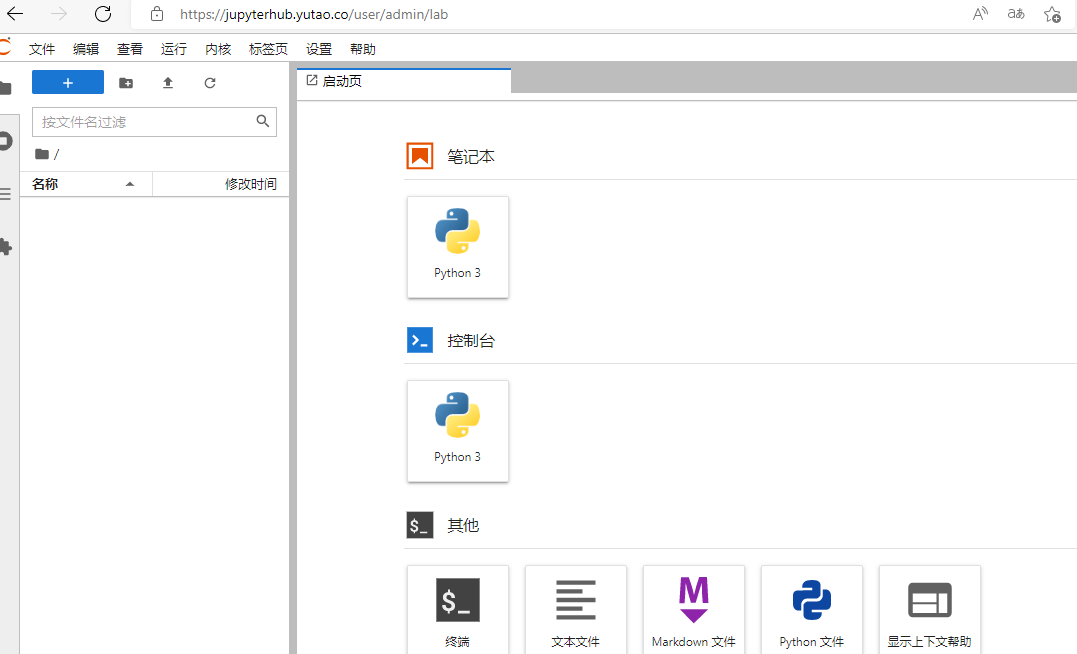
pip install jupyterlab-language-pack-zh-CN
#中文汉化
编写启动服务
vim /usr/local/bin/jupyterhub.sh
#!/bin/bash
cd /root/jupyterhub
jupyterhub
chmod 777 jupyterhub.sh
vim /etc/systemd/system/jupyterhub.service
[Unit]
Description=jupyterhub
After=network.target

[Service]
User=root
ExecStart=/usr/local/bin/jupyterhub.sh

[Install]
WantedBy=multi-user.target
systemctl daemon-reload
systemctl start jupyterhub
systemctl enable jupyterhub
systemctl status jupyterhub
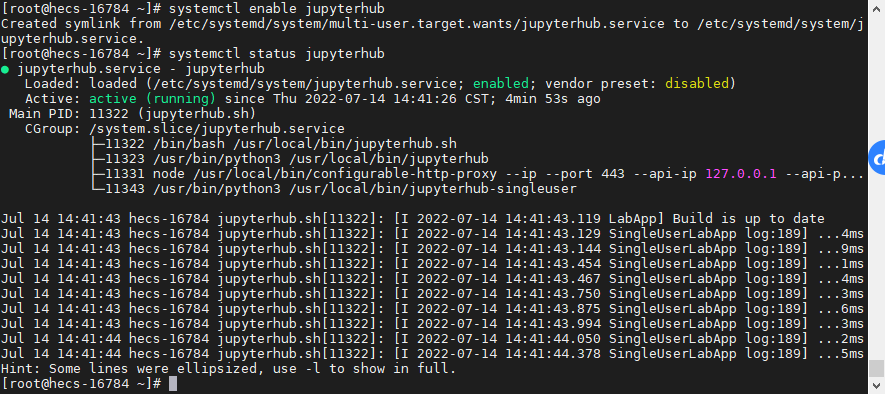
ps aux|grep jupyterhub

K8S
首先保证有一个K8S集群的环境
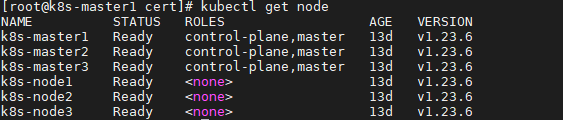
创建一个Deployment
jupyterhub.yaml
apiVersion: apps/v1
kind: Deployment
metadata:
  name: jupyterhub
spec:
  selector:
    matchLabels:
      run: jupyterhub
  replicas: 1
  template:
    metadata:
      labels:
        run: jupyterhub
    spec:
      containers:
      - name: jupyterhub
        image: registry.cn-hangzhou.aliyuncs.com/yutao517/jupyterhub
        ports:
        - containerPort: 8000
创建一个NodePort类型的service暴露端口
jupyterhub-svc.yaml
apiVersion: v1
kind: Service
metadata:
  name: jupyterhub
  labels:
    run: jupyterhub
spec:
  type: NodePort
  ports:
  - port: 8000
    targetPort: 8000
    nodePort: 31080
    protocol: TCP
    name: http
  - port: 443
    targetPort: 443
    nodePort: 30443
    name: https
  selector:
    run: jupyterhub
创建一个Ingress服务,并开启HTTPS功能
创建集群的服务器证书
mkdir /root/cert &&cd /root/cert
openssl req -x509 -nodes -days 365 -newkey rsa:2048 -keyout tls.key -out tls.crt
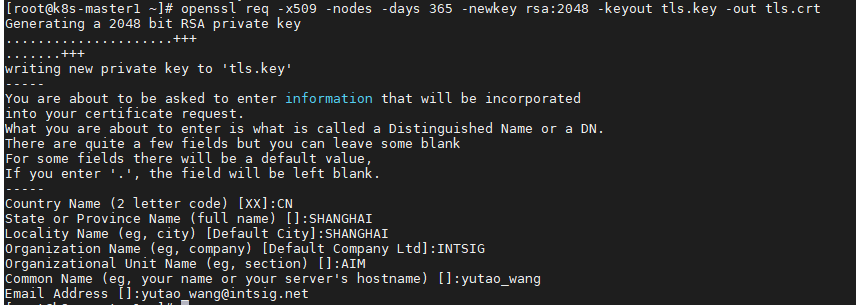
Ingress上配置证书
kubectl create secret tls secret-https --key tls.key --cert tls.crt
kubectl describe secret secret-https
apiVersion: networking.k8s.io/v1
kind: Ingress
metadata:
  name: jupyterhub
  namespace: default
spec:
  tls:
  - hosts:
    - hub.jupyter.com
    secretName: secret-https
  ingressClassName: nginx
  rules:
    - host: hub.jupyter.com
      http:
        paths:
          - path: /
            pathType: Prefix
            backend:
              service:
                name: jupyterhub
                port:
                  number: 8000
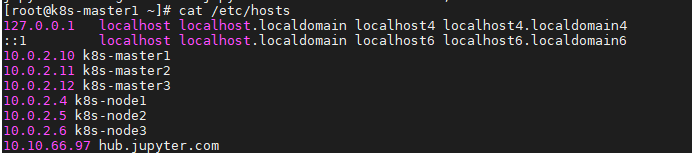
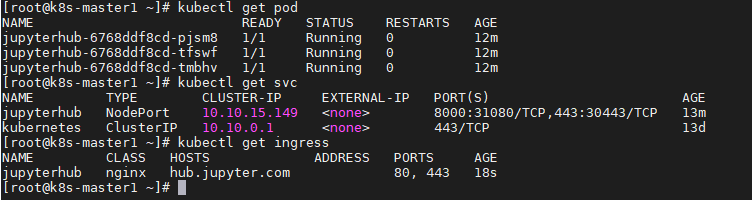 配置DNS解析
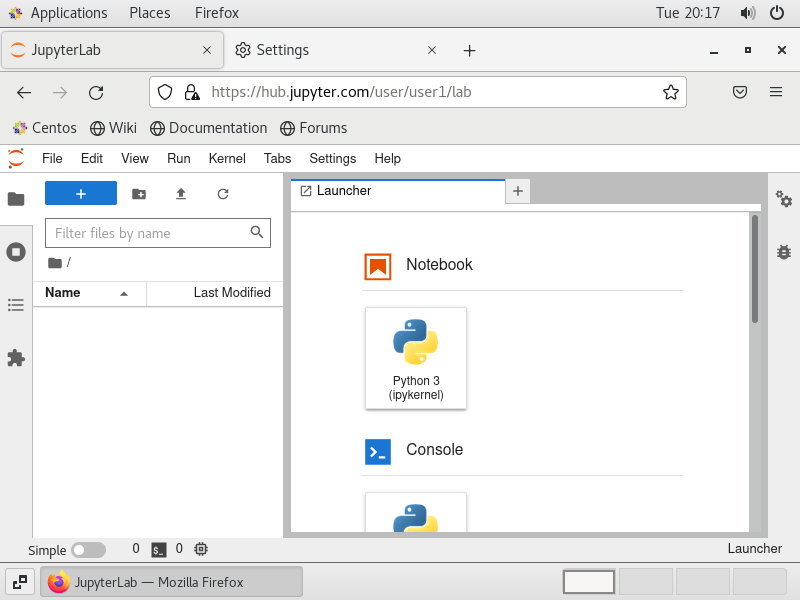
通过域名进行访问
因为使用的是K8S的自签名,所以会提示不安全。
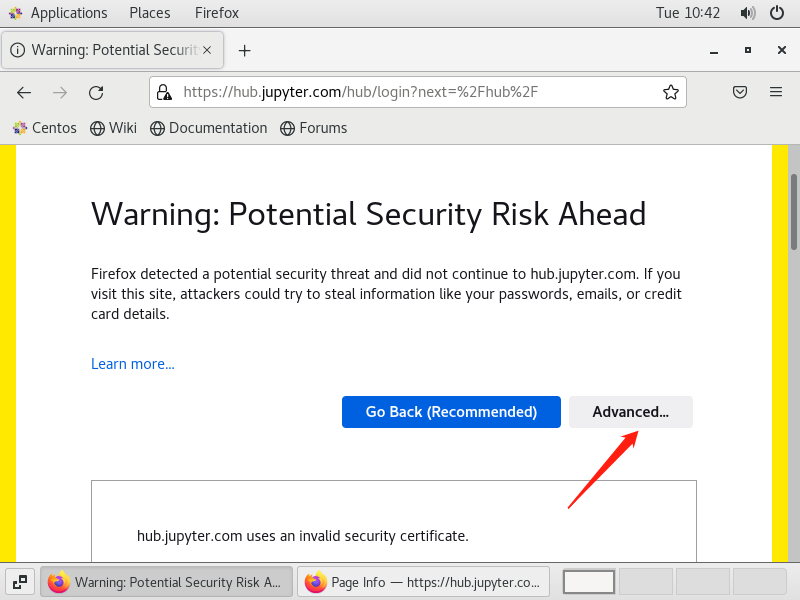
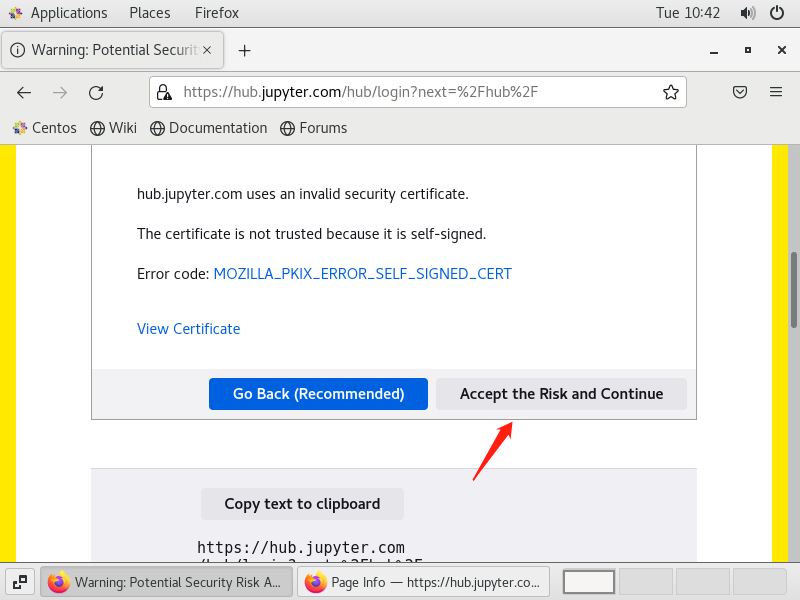
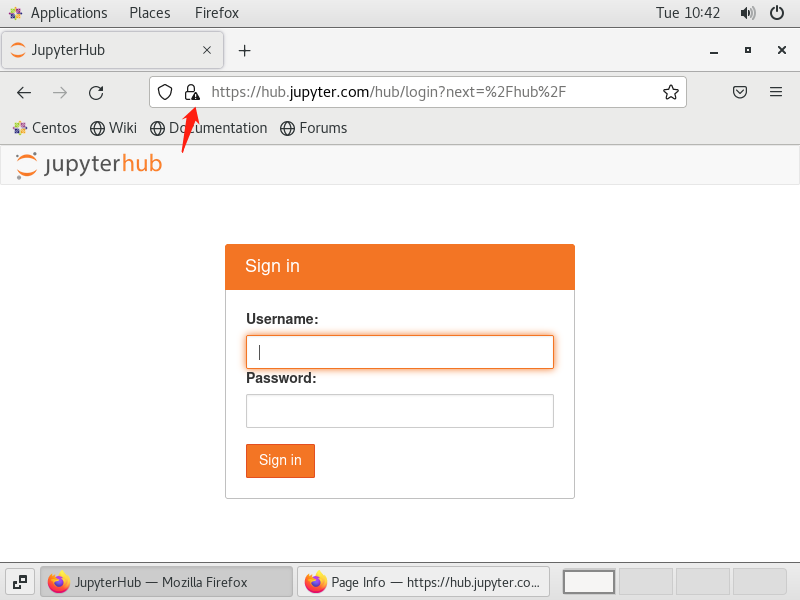
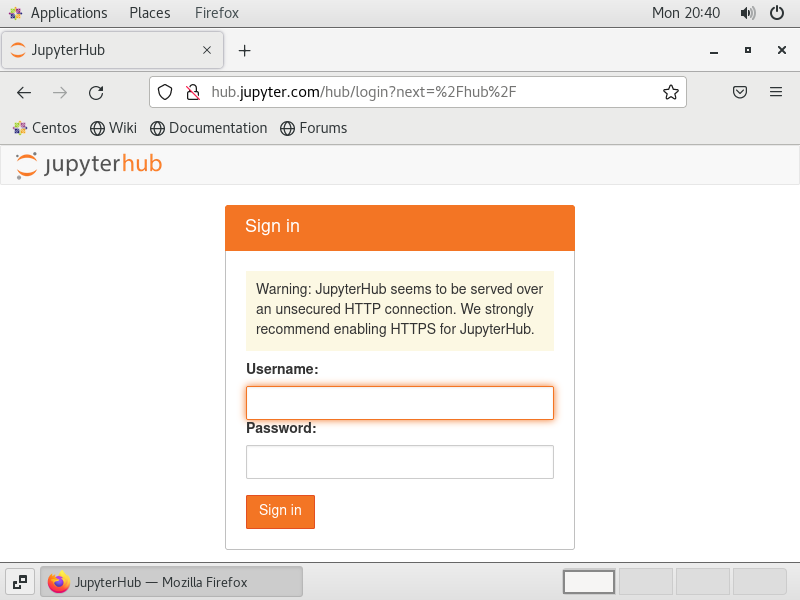
因为是自签名的HTTPS所以看到不安全,但是已经配置好HTTPS。没有配置HTTPS如下图所示:
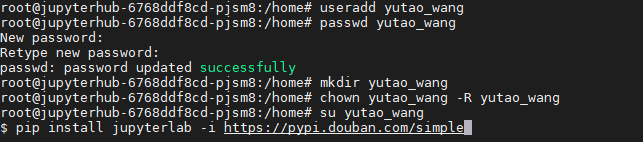
登录,去容器新建用户,因为默认不允许root用户登录。
kubectl exec -it jupyterhub-6768ddf8cd-pjsm8 -- /bin/bash
useradd yutao_wang
passwd user1
mkdir /home/yutao_wang
cd /home
chown yutao_wang  yutao_wang -R
su yutao_wang
pip install jupyterlab -i https://pypi.douban.com/simple
正在改进。做数据固化,不然只能启一个副本。
HELM 使用
helm repo add jupyterhub https://jupyterhub.github.io/helm-chart/
helm repo update
openssl rand -hex 32
vim config.yaml
proxy:
  secretToken: "33ad66059c5ae9dbf63576c82489b4b5cfaed27141d1be515c7f7b2f72756a92" #自己的密钥
hub:
  db:
    type: sqlite-memory
singleuser:
   storage:
      type: none
vim helm-jypyterhub.sh
RELEASE=jhub
NAMESPACE=jhub
helm upgrade --cleanup-on-fail \
  --install $RELEASE jupyterhub/jupyterhub \
  --namespace $NAMESPACE  \
  --create-namespace \
  --version=1.1.3 \
  --values config.yaml \
  --timeout 600s
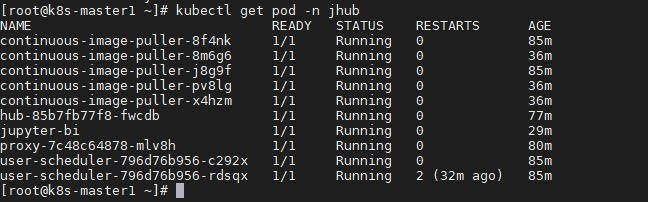
./helm-jypyterhub.sh
出现镜像拉取错误,阿里云重新拉取并打标签
docker pull  registry.cn-hangzhou.aliyuncs.com/yutao517/pause:3.5
docker tag registry.cn-hangzhou.aliyuncs.com/yutao517/pause:3.5  k8s.gcr.io/pause:3.5
docker pull registry.cn-hangzhou.aliyuncs.com/yutao517/kube-scheduler:v1.19.13
docker tag registry.cn-hangzhou.aliyuncs.com/yutao517/kube-scheduler:v1.19.13 k8s.gcr.io/kube-scheduler:v1.19.13
修改proxy-public svc 将 type: LoadBalancer 改成 type: NodePort
kubectl edit service proxy-public -n jhub
调度到master出现容忍错误
kubectl taint nodes --all node-role.kubernetes.io/master-
jupyterhub的默认用户:bi:bi
制作镜像
FROM registry.cn-hangzhou.aliyuncs.com/yutao517/ubuntu:focal
ARG DEBIAN_FRONTEND=noninteractive
ENV TZ=Asia/Shanghai
RUN mkdir -p /jupyterhub
WORKDIR /jupyterhub
RUN set -ex; \
    cd /jupyterhub &&\
    apt-get update &&\
    apt-get install wget -y &&\
    apt-get install curl -y &&\
    apt-get install python3-pip -y &&\
    python3 -m pip install --upgrade pip &&\
    apt-get install npm -y &&\
    apt-get install nodejs -y &&\
    apt-get install libnode64 &&\
    npm install n -g &&\
    pip install notebook &&\
    pip install jupyterlab &&\
    pip install jupyterlab-language-pack-zh-CN &&\
    npm install -g configurable-http-proxy &&\
    python3 -m pip install jupyterhub &&\
    useradd admin &&\
    echo admin:admin | chpasswd &&\
    mkdir /home/admin  &&\
    chown admin /home/admin -R
COPY jupyterhub_config.py /jupyterhub
COPY jupyterhub.yutao.co.key /jupyterhub
COPY jupyterhub.yutao.co.pem /jupyterhub
EXPOSE 443
CMD ["jupyterhub"]