配置代理科学上网,访问Github
vim /etc/profile
export http_proxy=http://192.168.2.23:8080
export https_proxy=http://192.168.2.23:8080
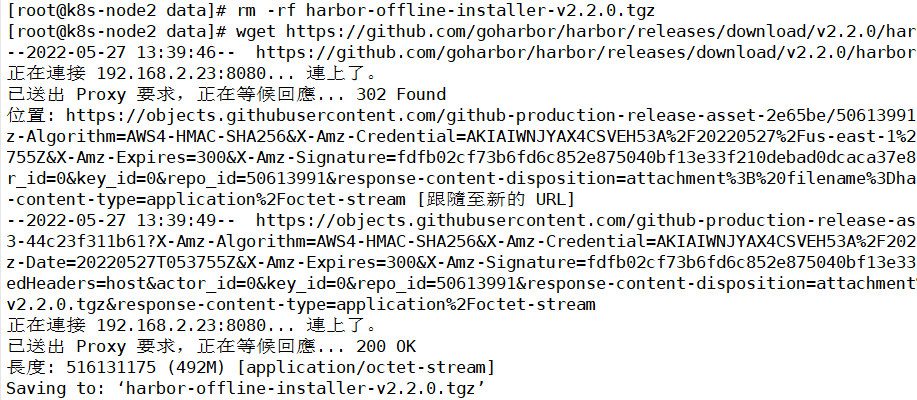
输入自己的代理IP和端口,代理成功
source /etc/profile
配置代理科学上网,访问Github
vim /etc/profile
export http_proxy=http://192.168.2.23:8080
export https_proxy=http://192.168.2.23:8080
输入自己的代理IP和端口,代理成功
source /etc/profile